Making videos Step by step Some effort45 min
Make a 15-second music video on your phone in 45 minutes
Pick your 15 seconds, film three takes, cut in VN or YouTube Create, add captions and export at 1080 x 1920 for Reels, TikTok and Shorts.
 Music Video Apps 5 min read
What you need before you start
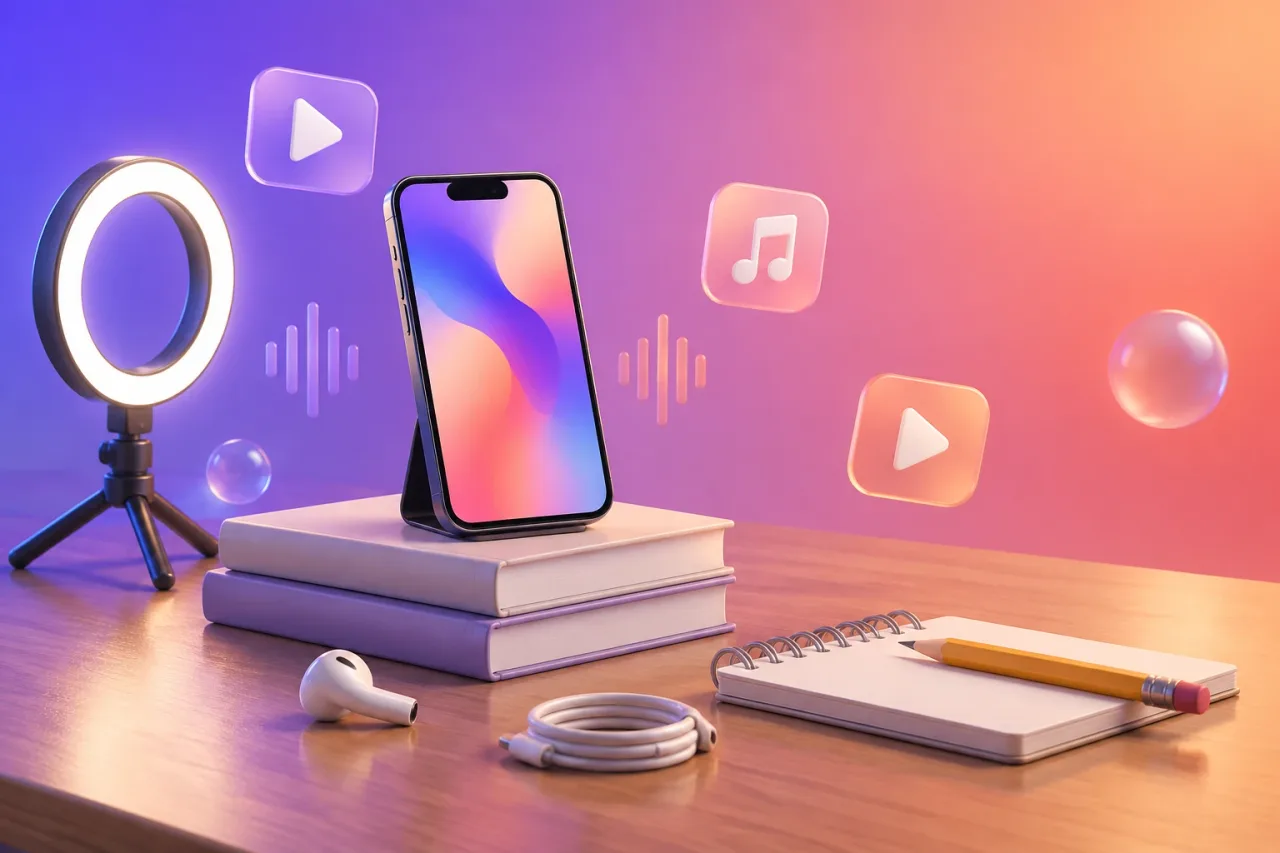
You need a finished track on your phone, about 45 minutes and one free editing app. The time splits like this: 5 minutes to pick the 15 seconds, 15 to film, 15 to edit, 5 for captions and 5 to export.
- Your finished track, saved on the phone
- VN or YouTube Create, both on iPhone and Android
- A wall or window for even light
- A phone stand, or a stack of books, and one earphone
Only use a song you wrote or have permission to use. Only film people who agree to be on camera. This is not legal advice.
How do you pick the 15 seconds?
Pick the 15 seconds that hold the line you most want people to remember, which is often the start of the chorus. Play the track and write down the start and end time, for example 0:52 to 1:07. Choose a start that lands on a beat and an end that finishes a lyric line, so the clip does not stop in the middle of a word.
If two parts compete, take the one with the stronger first second. A viewer scrolling past tends to decide in that first second. When you film, sing from a few seconds before your start point so you walk into the line naturally.
How do you film the takes?
Film three takes of the same 15 seconds, upright, with the phone at eye height. Do them in this order:
- Prop the phone in portrait and tap your face on screen to lock focus. On iPhone, press and hold until the AE/AF lock banner appears. On Android the lock gesture varies by maker, so check your camera app.
- Put one earphone in and play the track from a few seconds before your start point.
- Sing the 15 seconds at full volume as a wide shot, then repeat as a mid shot and a close shot.
That gives you about 45 seconds of raw footage and takes around 15 minutes. Move your mouth fully on every word, even if it feels silly. You will line those lip shapes up with the track in the edit.
How do you edit it in VN or YouTube Create?
Edit in VN or YouTube Create, which are both free and both on iPhone and Android. VN’s App Store listing opens with “Free with No Watermark”. YouTube Create’s listing does not say, so check its export screen. Budget 15 minutes.
- Start a new project and set the ratio to 9:16.
- Import your track and the three takes.
- Put the studio track on the audio line and mute the sound from your clips. Slide each clip until the lips match the words.
- Cut between wide, mid and close every two to four seconds. VN has beat markers and YouTube Create has beat matching, so the cuts can land on the beat.
- Trim the whole project to your 15 seconds.
How do you add captions?
Use the auto captions in your editor, then read every line yourself. VN has auto captions in multiple languages with subtitle templates. YouTube Create has one-tap captions in selected languages. Auto captions are built around speech, so sung words, slang and fast rap can come out wrong.
Play the 15 seconds with the sound on and fix each word. Make the text large enough to read on a small screen and keep to one or two colours. Keep it off the very bottom of the frame, where the platform’s own buttons and caption usually sit. This takes about 5 minutes. If the auto captions are far off, type the lyrics in by hand as text. It is only a few lines.
How do you export at 1080 x 1920?
Export at 1080 x 1920, which is 9:16 portrait, and save it to your camera roll. Both VN and YouTube Create can export up to 4K at 60fps, so 1080 x 1920 sits well inside what they offer. It is also the usual portrait size for Reels, TikTok and Shorts. Allow 5 minutes.
- Open the export screen and choose portrait, 1080p.
- Match the frame rate to your camera, 30 or 60fps.
- Look for a watermark on the export screen or the preview. If you see one, change app before you post.
- Export, then watch the file from start to end with the sound on.
Upload only after that last watch.
What if you do not want to film?
If you do not want to film, Muzie can make a performance video from one photo of the singer. It is an Android app on Google Play. On iPhone it runs in Safari at app.muzie.ai, and we found no App Store listing for it.
You upload your song and the photo is lip-synced to your vocal. Scenes are cut to the lyrics, with karaoke captions timed word by word. It is free to start with no card, and new accounts get tokens on signup in many countries. The free export has a watermark, and the Premium and Ultimate plans remove it, while Standard keeps a small one. This option suits a singer performing the song. For cutting together footage you filmed, use the steps above.
What goes wrong, and how do you make it easier next time?
Most failed edits come from a short list of habits, and each has a quick fix.
- Filming sideways. Film upright from the first take.
- Leaving clip sound on. Mute it so the studio track plays alone.
- Trusting auto captions. Read every word.
- Exporting without watching. Play the file once with the sound on.
- Finding a watermark after posting. Check the export screen first.
If your energy runs out halfway, film one take instead of three, skip the cuts, add captions and export. One take is still a finished post. Next time, keep the start time of your 15 seconds in your phone notes. In VN you can save your own template to reuse, and it is quicker to film all three takes in one sitting.
Frequently asked questions
How long does it take to make a music video on your phone?
A 15 second video takes about 45 minutes the first time. That is 5 minutes to pick the clip, 15 to film three takes, 15 to edit, 5 for captions and 5 to export.
Which free app should I use to edit a music video on my phone?
VN and YouTube Create are both free and both on iPhone and Android. VN's listing says no watermark and has beat markers. YouTube Create has beat matching, but its listing does not say about watermarks, so check its export screen.
What size should a music video for Reels, TikTok and Shorts be?
Export at 1080 x 1920 in 9:16 portrait. Film upright from the start so you do not have to crop later.
Can I use someone else's song in my music video?
Only if you own it or have permission to use it. The same goes for other people's faces and footage. This is not legal advice, so check the rules of the song's owner and the platform.
Can I make a music video without filming myself?
Yes, if you are a singer with a photo and a song. Muzie makes a performance video from one photo. It is on Google Play for Android and runs in Safari at app.muzie.ai on iPhone, and free exports carry a watermark.