11 / 11 All-round editors

YouTube Create: free, beat matching and 4K for Shorts
YouTube's free editor with beat matching and one-tap captions.

Good to know
- Free, no in-app purchases listed
- Beat matching syncs clips to the music
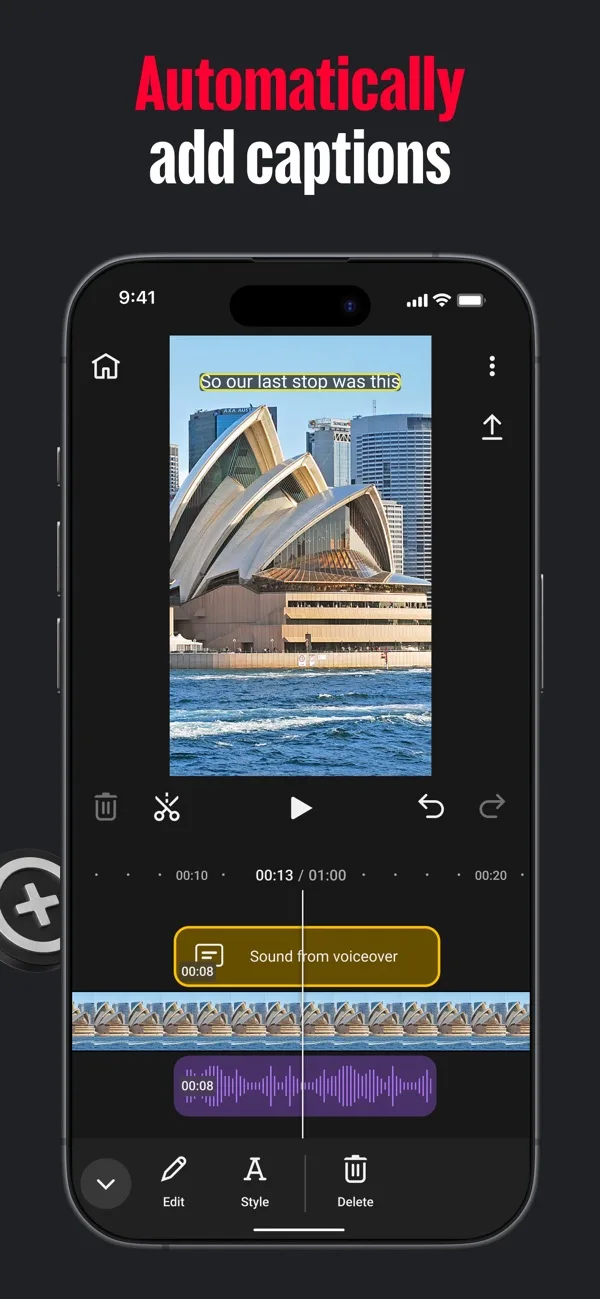
- One-tap captions in selected languages
- 4K 60fps and direct upload to YouTube
Watch for
- Some AI features only in selected countries
- Watermark rules not stated on the listing
- Captions only in selected languages
Screenshots
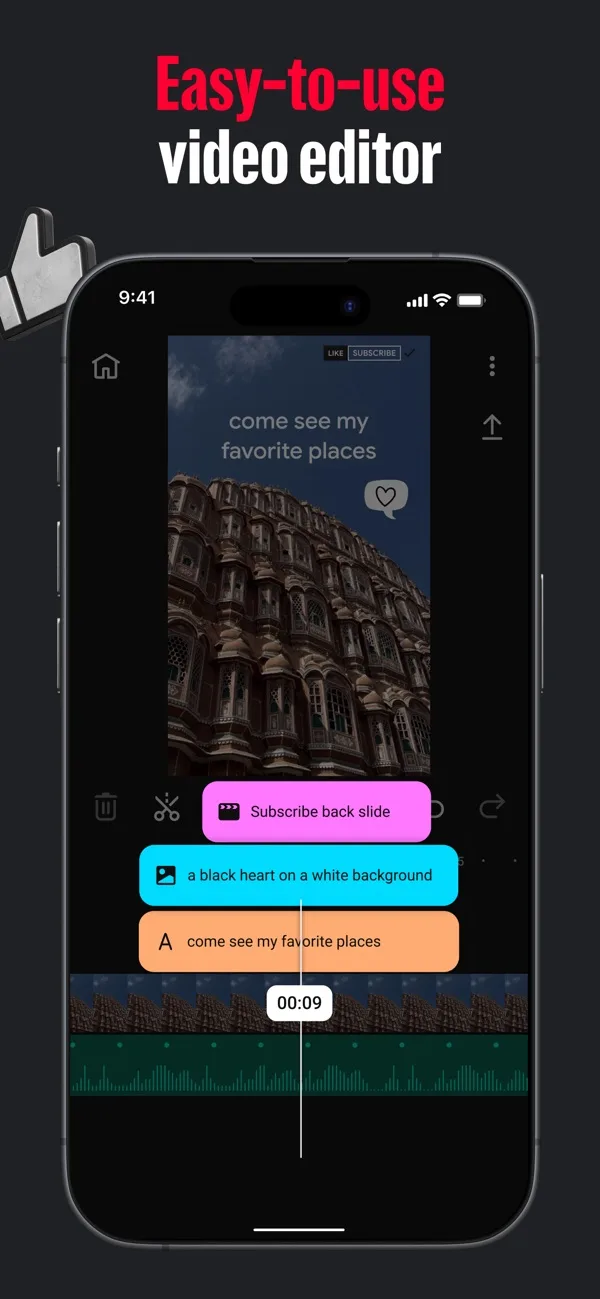
Features
- Beat matching
- Auto captions
- Templates
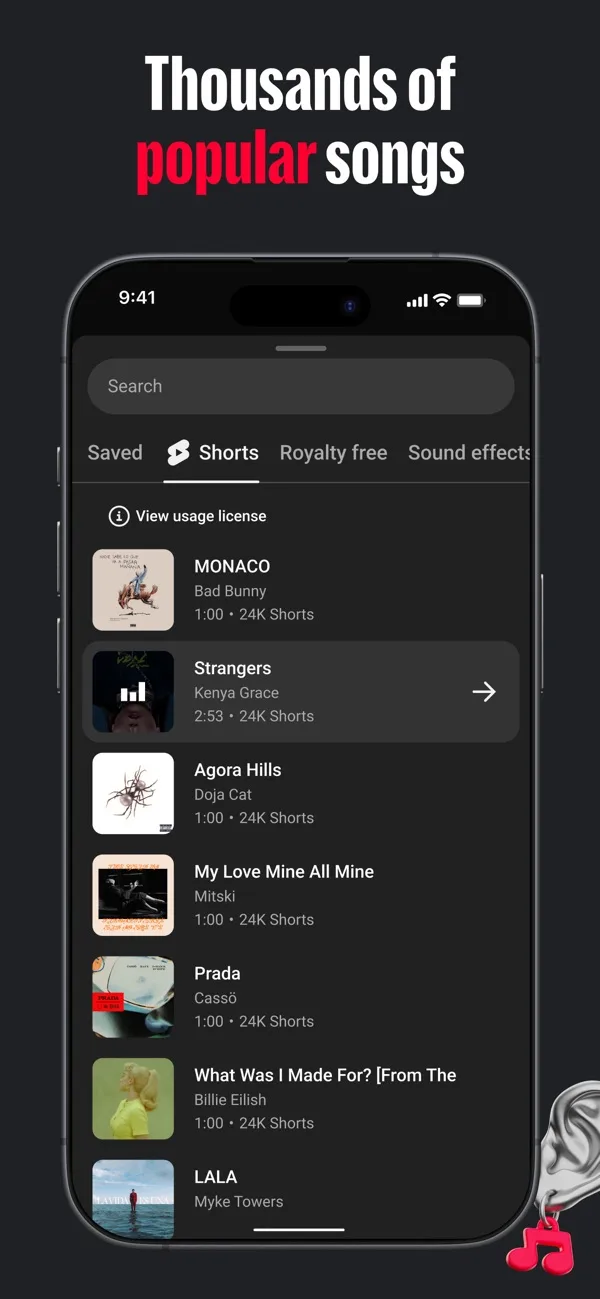
- Shorts music library
- Audio cleanup
- 4K 60fps
What it does on a phone
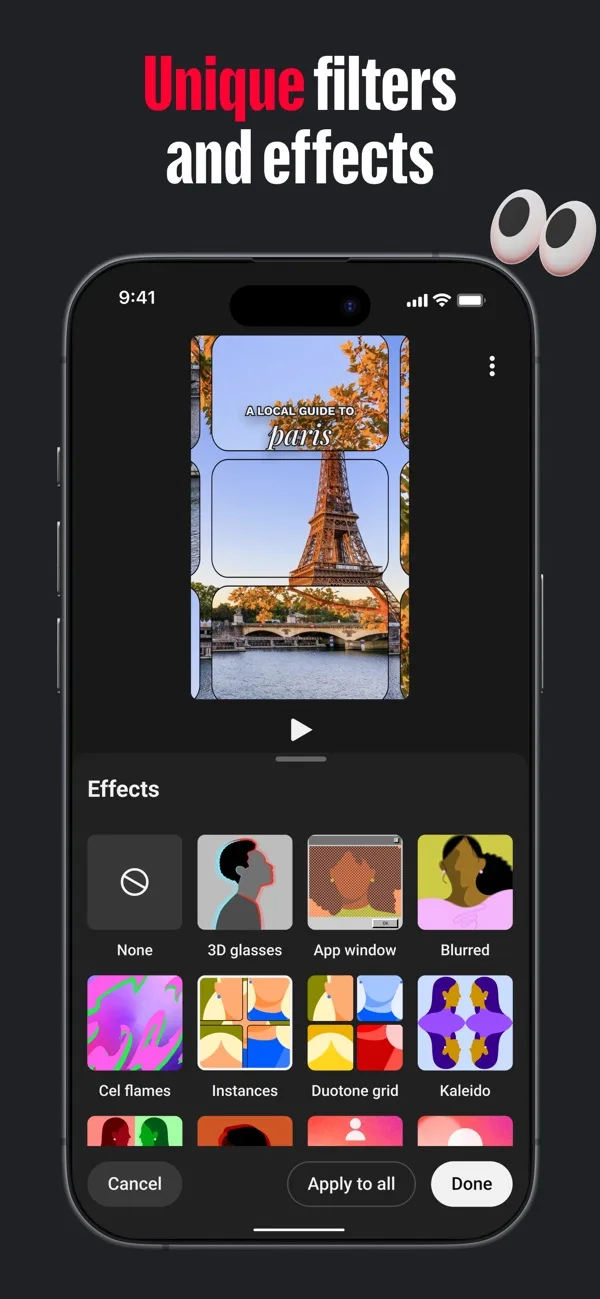
YouTube Create is YouTube’s free editor. It covers trimming, 40+ transitions, filters and effects, voiceover and audio cleanup, plus three things musicians care about: beat matching, one-tap captions and built-in templates. Finished videos upload straight to your channel.
At a glance
| Spec | YouTube Create |
|---|---|
| iPhone | Yes, free |
| Android | Yes, free |
| Free watermark | Not stated on the listing |
| Export | Up to 4K, up to 60fps, portrait, landscape or square |
| Beat sync | Beat matching |
| Auto captions | One tap, selected languages |
| Templates | Built-in, customisable |
What it costs
Free. No in-app purchases are listed on the US App Store. Some AI features are only offered in selected countries.
Who it suits
Artists building on YouTube Shorts who want a beat-cut edit without paying anything.
Frequently asked questions
Is YouTube Create on iPhone?
Yes. YouTube Create: Video editor by Google is on the App Store and on Google Play, both free.
Does YouTube Create have beat sync?
Yes. Its listing says beat matching finds the beat of your soundtrack so you can sync clips to it.