02 / 11 All-round editors

CapCut on iPhone and Android: what you get for music videos
The big free editor, with templates, auto captions and 4K export.

Good to know
- Free plan with free templates
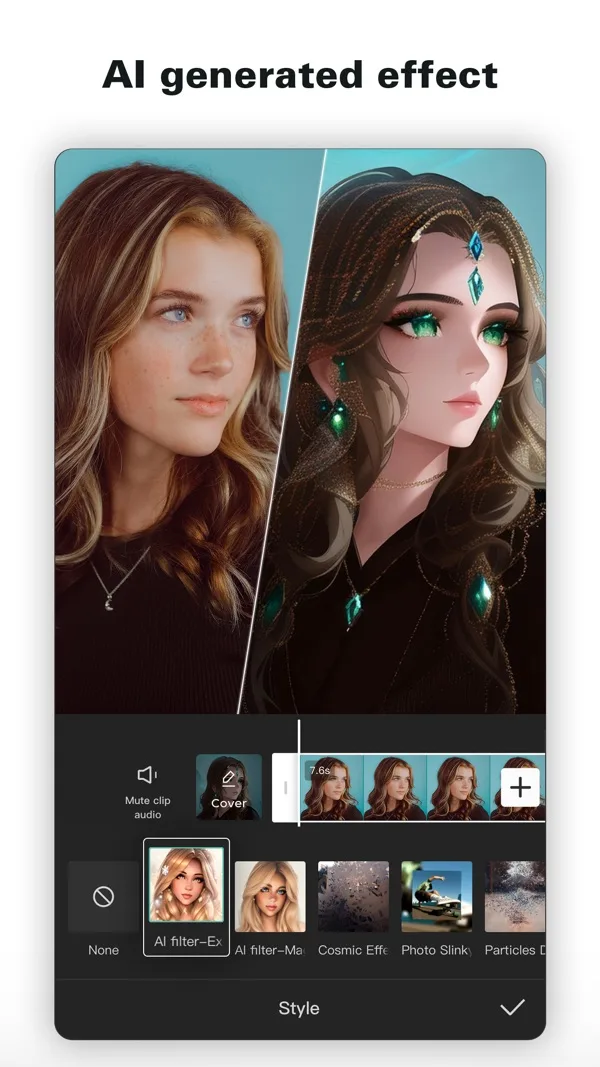
- Auto captions and text-to-speech
- Exports up to 4K 60fps
- Also on desktop and web
Watch for
- Some templates add a CapCut ending clip with a watermark
- Two paid tiers to choose between
- Prices differ a lot by country
Screenshots
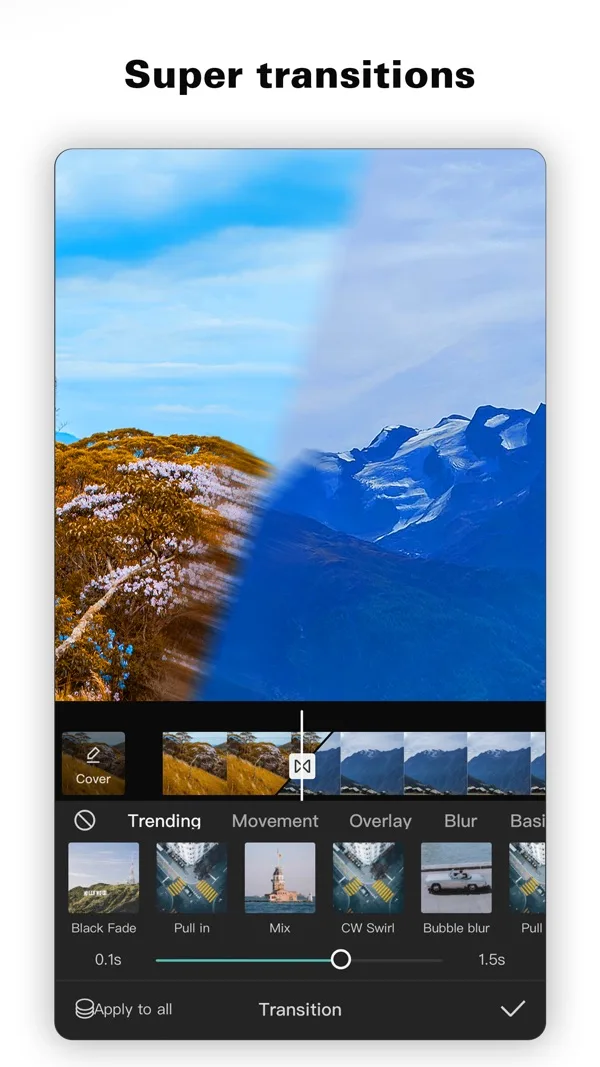
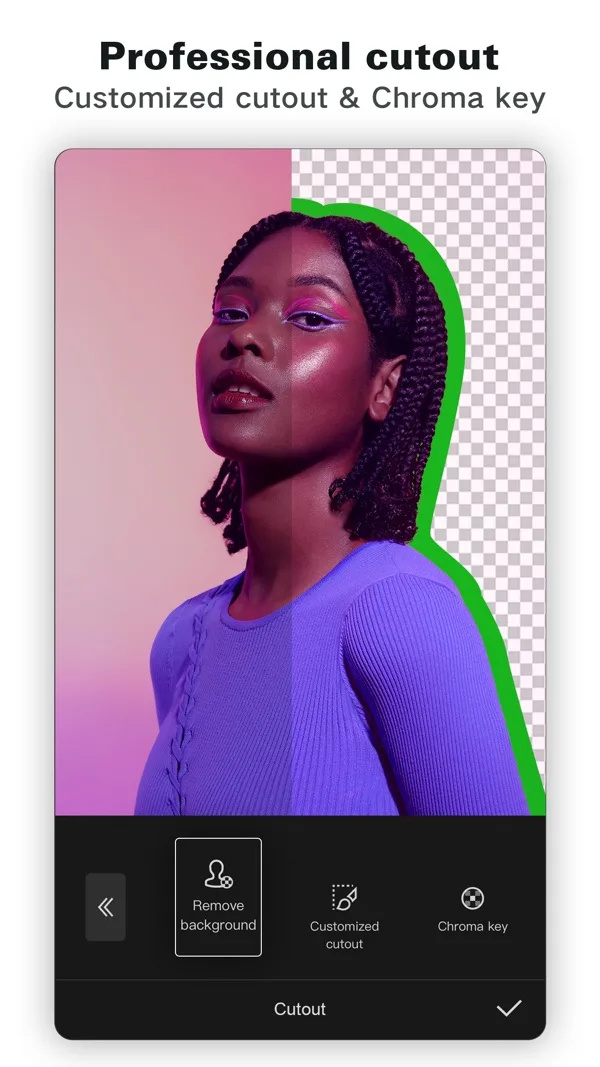
Features
- Multi-track timeline
- Auto captions
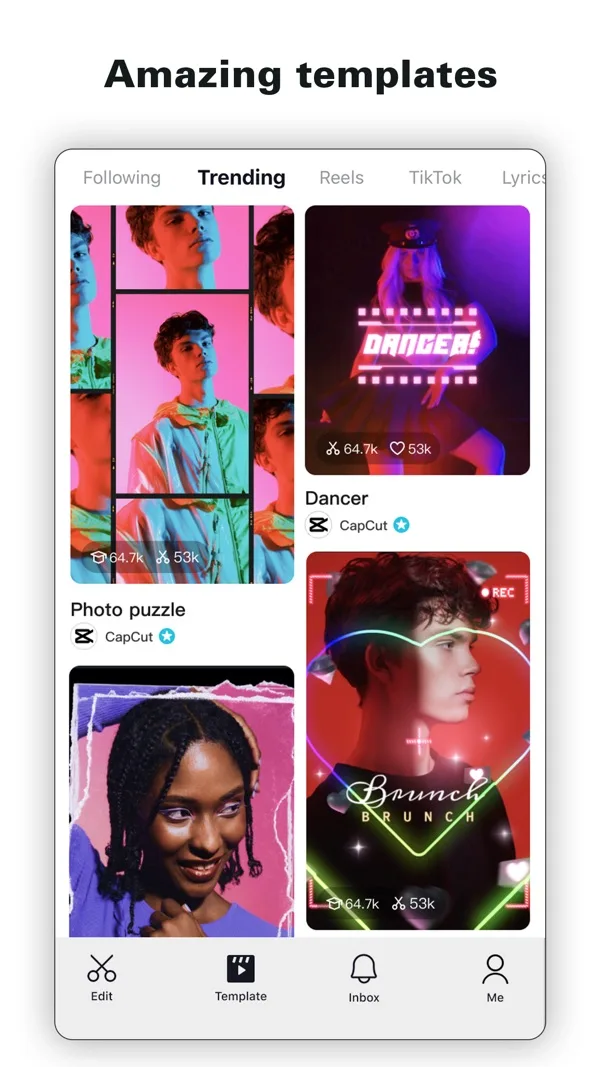
- Templates
- Keyframes
- Chroma key
- Background removal
- 4K 60fps
What it does on a phone
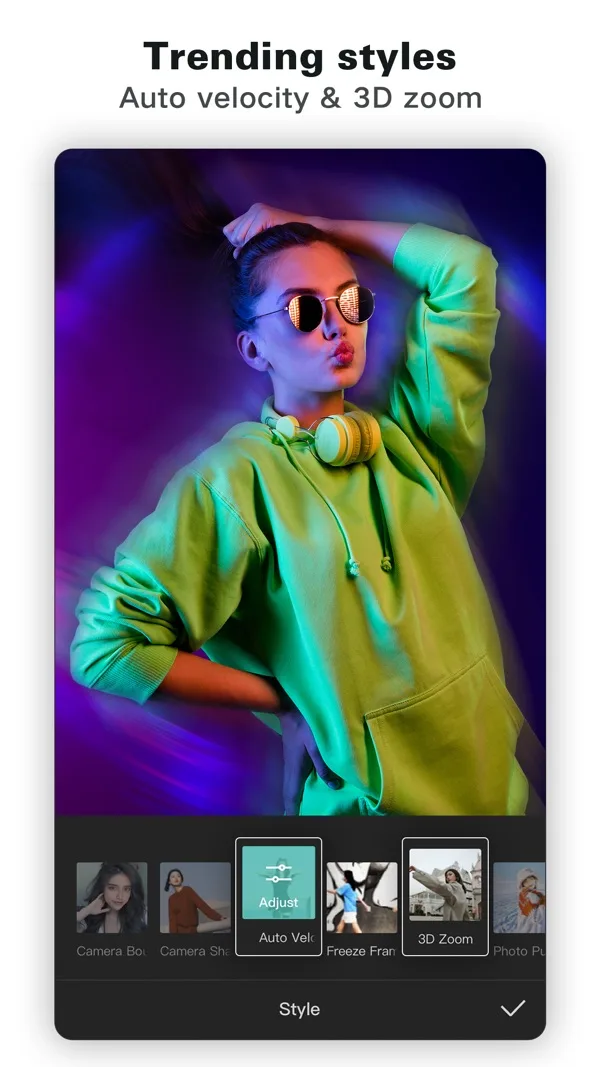
CapCut is a full timeline editor that fits in your pocket: trim, split, speed, keyframes, chroma key, background removal and a big template library. For a music video you drop your track on the timeline and cut your clips to it.
At a glance
| Spec | CapCut |
|---|---|
| iPhone | Yes, free with in-app purchases |
| Android | Yes |
| Free watermark | Usually none. Some templates add a watermarked ending clip |
| Export | Up to 4K 60fps, smart HDR |
| Beat sync | Not stated on the store listing |
| Auto captions | Yes |
| Templates | Yes, free ones on the free plan |
What it costs
There is a free plan. On the US App Store, Standard is $9.99 a month and Pro is $19.99 a month, with a yearly option at $89.99. CapCut’s own site lists Pro at GBP 21.99 a month in the UK.
Who it suits
Anyone with footage on their camera roll who wants one app for cutting, captioning and exporting. If watermarks worry you, VN and Edits both say no watermark on their listings.
Frequently asked questions
Does CapCut add a watermark?
Usually not. CapCut's help centre says most exports are watermark-free, but some templates add a CapCut ending clip with a watermark. Delete that last clip from the timeline before you export.
How much is CapCut Pro on iPhone?
On the US App Store, CapCut lists Standard at $9.99 a month and Pro at $19.99 a month, with a yearly option at $89.99. Prices differ by country.