10 / 11 All-round editorsFree, no watermark

VN Video Editor: free, no watermark, beat markers
A free multi-track editor with beat markers and no watermark.

Good to know
- Free with no watermark
- Beat markers and beat-synced templates
- Auto captions with filler-word removal
- Up to 4K 60fps
Watch for
- AI tools run on paid credits
- A real timeline takes a little learning
Screenshots
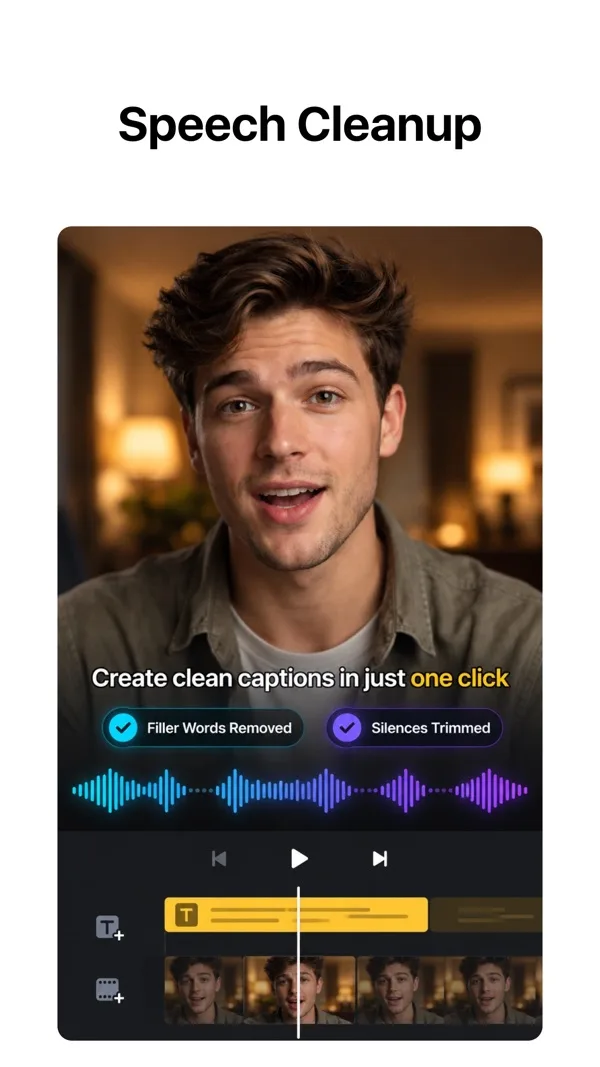
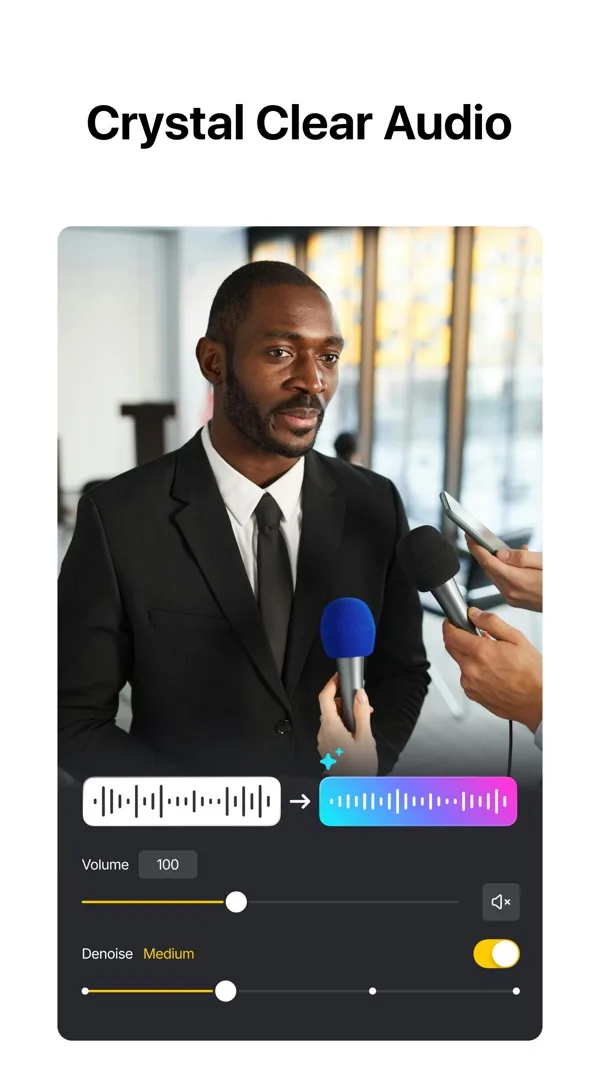
Features
- Beat markers
- Beat-synced templates
- Auto captions
- Keyframes
- Custom templates
- 4K 60fps
What it does on a phone
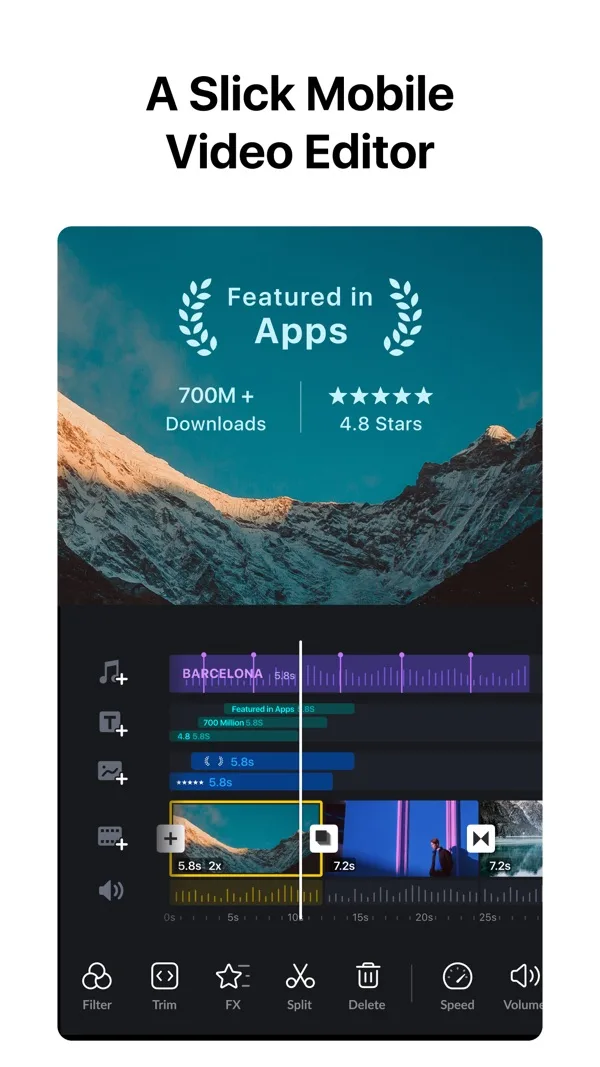
VN is a proper multi-track editor that stays free. For a music video, the part that matters is beat editing: you add markers on the song and snap clips to them, or start from a beat-synced template and drop your footage in.
At a glance
| Spec | VN |
|---|---|
| iPhone | Yes, free with in-app purchases |
| Android | Yes |
| Free watermark | No |
| Export | Up to 4K 60fps, Dolby Vision HDR on iPhone 12 and later |
| Beat sync | Beat markers, AutoCut and BeatsClips templates |
| Auto captions | Yes, multiple languages |
| Templates | Yes, and you can save your own |
What it costs
Free. On the US App Store, VN Pro is listed at $7.99 and $69.99, and AI credits come in packs from $1 for 100.
Who it suits
Artists who filmed a performance or a few B-roll clips and want them cut tight to the beat without paying or wearing a logo.
Frequently asked questions
Does VN add a watermark?
No. VN's App Store listing describes it as free with no watermark.
Can VN sync clips to the beat?
Yes. VN has beat markers for syncing clips to the music, plus beat-synced AutoCut and BeatsClips templates.