03 / 11 Captions first
Captions: the app built around subtitles and AI edits
AI subtitles in 91+ languages, plus chat-based AI editing.

Good to know
- AI subtitles in 91+ languages
- Chat-based editing
- Teleprompter for talking clips
- Free plan to start
Watch for
- Android gets a lighter app, Captions Lite
- Max-only features on Basic add a watermark
- Beat sync not stated
Screenshots
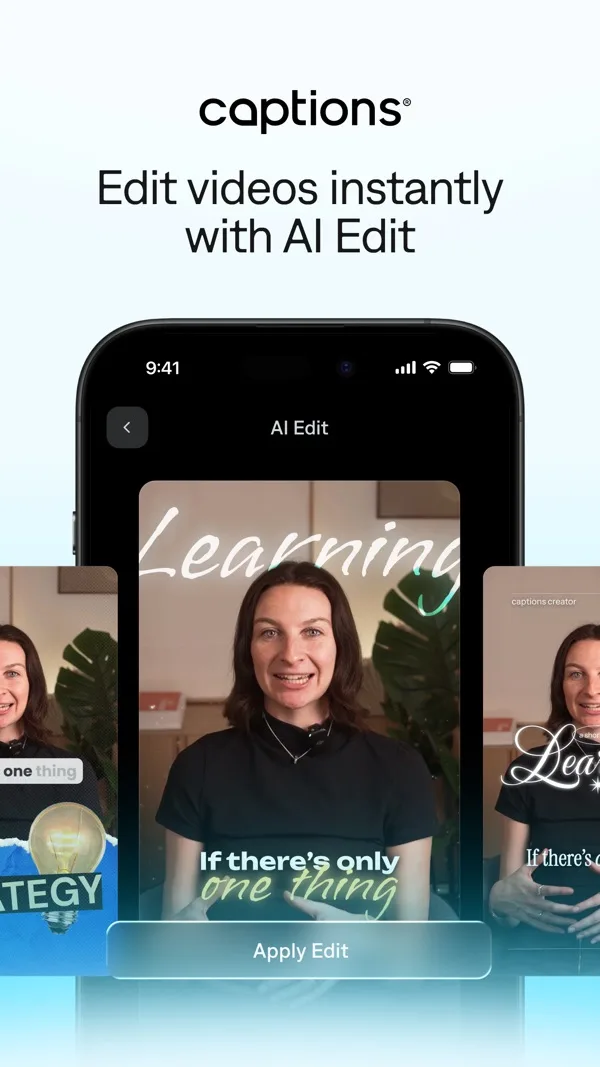
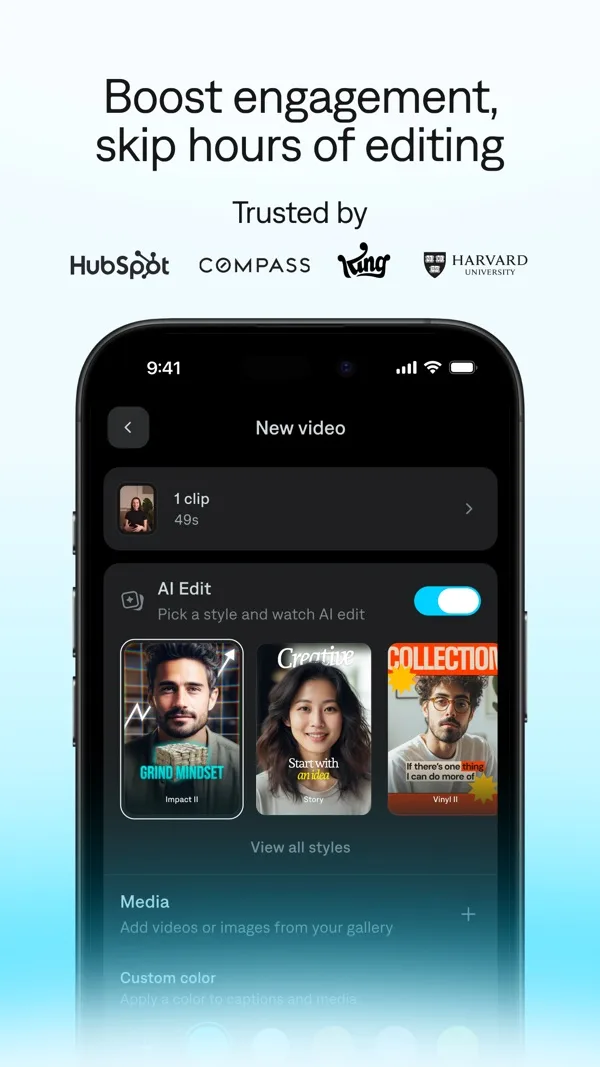
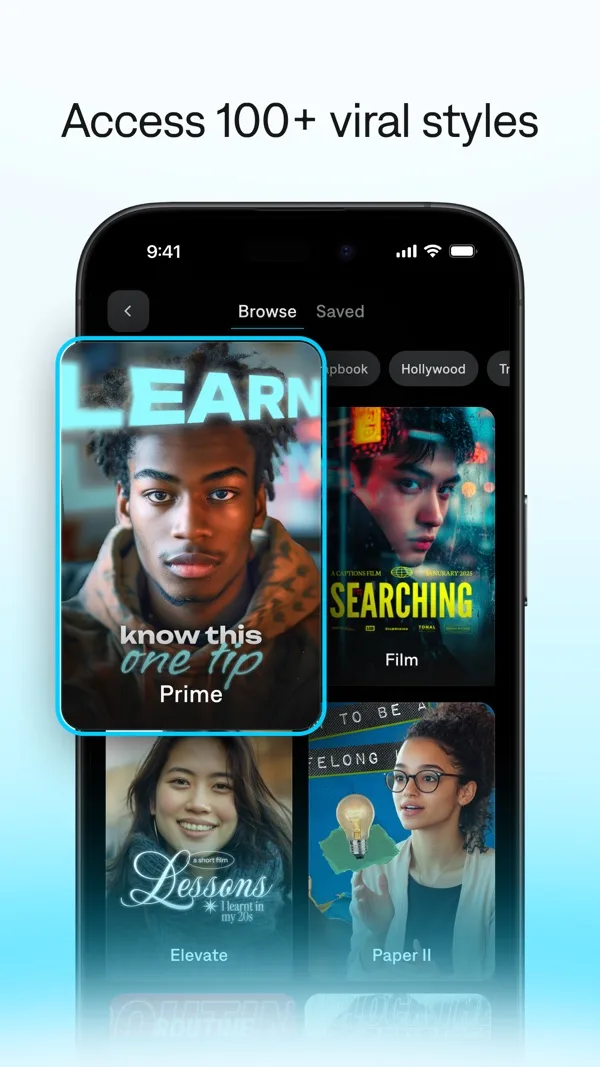
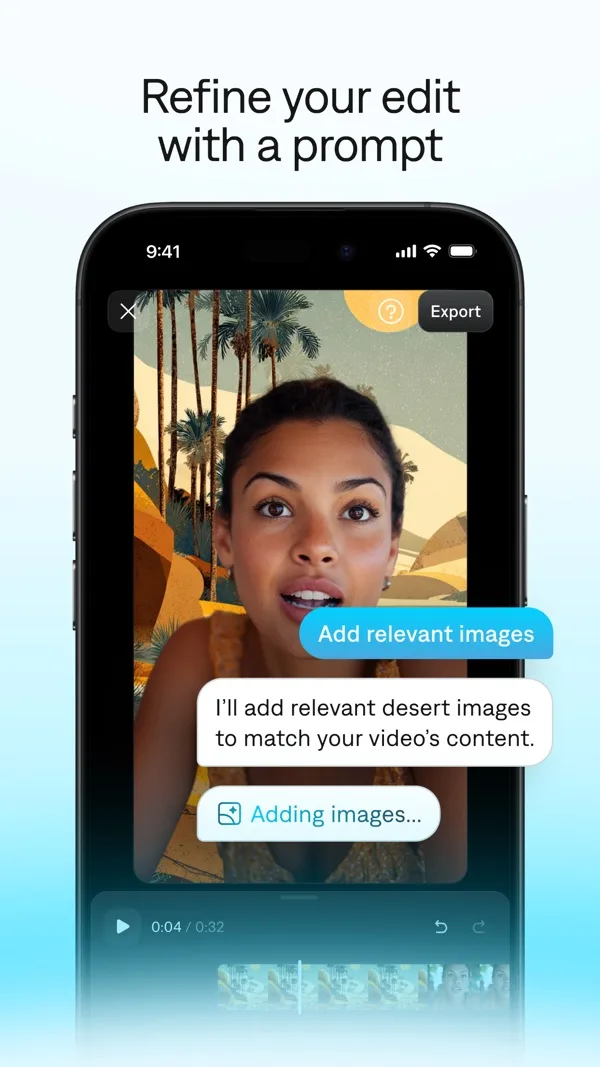
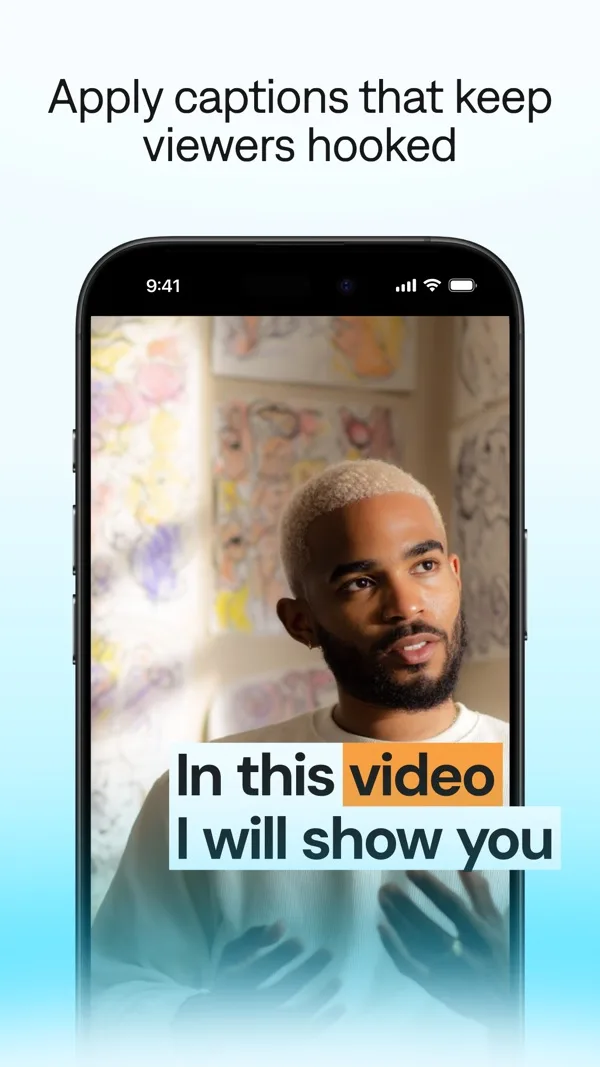
Features
- AI subtitles
- AI dubbing
- Chat editing
- Teleprompter
- Denoise
- AI zoom
What it does on a phone
Captions grew out of auto subtitles and now does much more: describe an edit in plain words and it applies cuts, zooms and B-roll, or record yourself with the teleprompter. For musicians it is most useful for the talking side of a release: the story behind the song, a studio update, a lyric breakdown.
At a glance
| Spec | Captions |
|---|---|
| iPhone | Yes, free with in-app purchases |
| Android | Captions Lite, a lighter app |
| Free watermark | Max-only features on Basic add one |
| Export | Resolution not stated |
| Beat sync | Not stated |
| Auto captions | Yes, 91+ languages |
| Templates | Caption templates, 1 free, 100+ on Max |
What it costs
Free to sign up. On the US App Store, Basic is $9.99 a month, $64.99 a year or $5.99 a week, and Max is $24.99 a month. captions.ai lists Frontier plans from $69.99 a month.
Who it suits
Artists who talk to camera between releases and want subtitles that look designed. For a performance cut to the beat, VN or YouTube Create fit better.
Frequently asked questions
Is Captions on Android?
Yes, as a lighter app called Captions Lite on Google Play. Captions' help centre says some advanced AI features are iOS only.
Does Captions add a watermark?
Captions' help centre says that if you use Max-only features such as AI Edit or AI-generated media on a Basic plan, the export gets a watermark.