
Beat markers
Also called: beat points, music markers
What it means
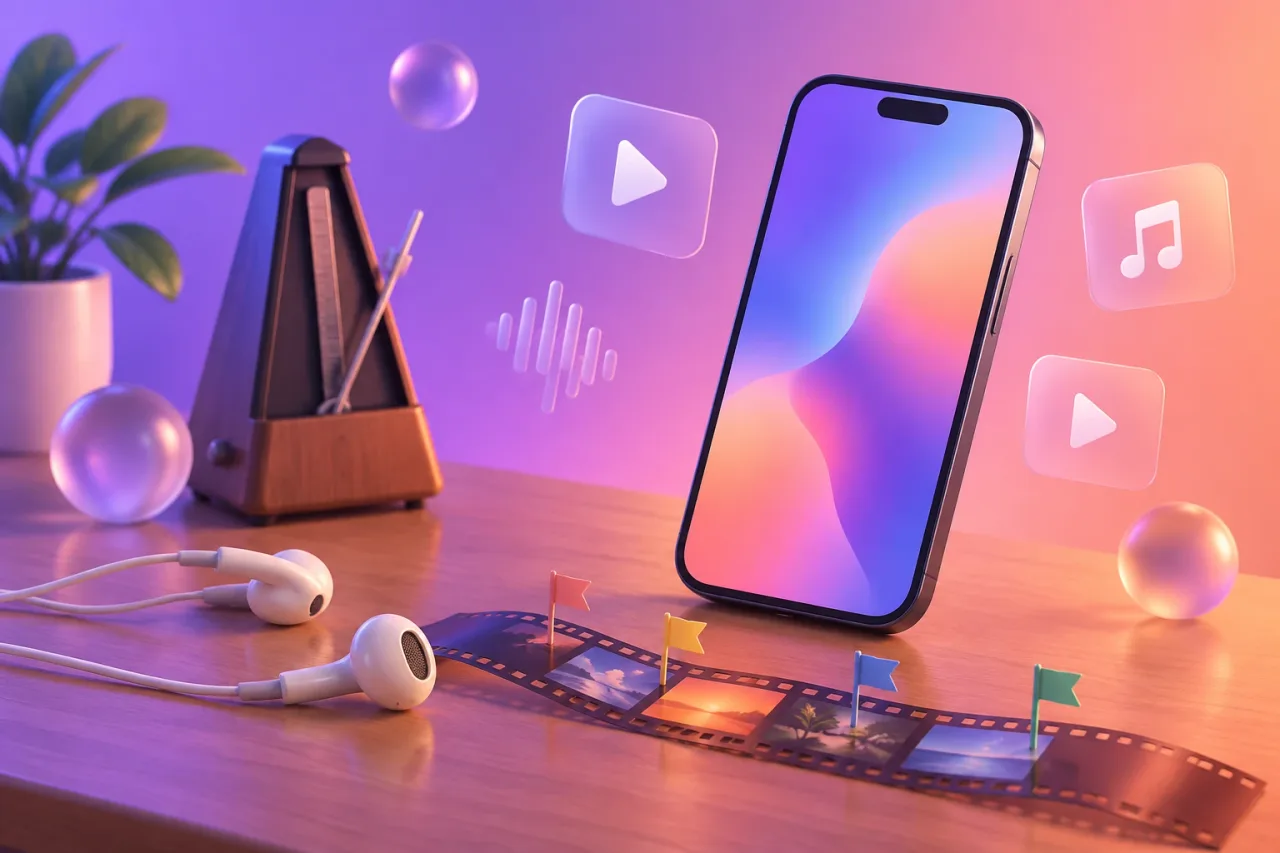
A beat marker is a small flag on your editing timeline. It sits on one beat of your track, usually a kick or a snare. When you trim a clip so it ends at the flag, the cut lands on the beat. Some apps let you place the flags by hand. Some find the beats for you.
What it looks like on a phone
You import your track, play it, and tap the marker button each time a beat you care about goes past. A row of flags appears above the audio. Your clips then snap to those flags as you drag them.
Here are three ways musicians use them. A rapper flags every snare in a 16-bar verse and switches angle on each one. A singer-songwriter flags the first beat of the chorus and cuts from a quiet close-up to a wide shot. A producer flags the drop and times a flash of colour to it.
VN lists beat markers on its App Store listing, along with beat-synced AutoCut and BeatsClips templates. It is on iPhone and Android, and the listing opens with “Free with No Watermark”. YouTube Create lists beat matching, which finds the beat of your soundtrack for you. Videoleap says it can sync videos to the rhythm of the music. CapCut’s store listing does not say whether it has beat sync, so check the app before you commit. For a side by side, see CapCut vs VN for music videos.
What tends to help
Place your flags before you drop in any clips. It is easier to cut to a row of flags than to guess by ear.
Flag the strong beats only, such as the first beat of each bar. A flag on every hit makes the edit feel twitchy.
Zoom the timeline in until the flag sits on the peak of the waveform. A flag that is a hair late looks late on screen.
If the app places the beats for you, play the track back with the sound on and check a few. Songs with a tempo change or a loose, swung groove are the ones to watch.
Use a track you own or have permission to use. This is not legal advice.