
Chroma key
Also called: green screen, blue screen, colour keying
What chroma key means
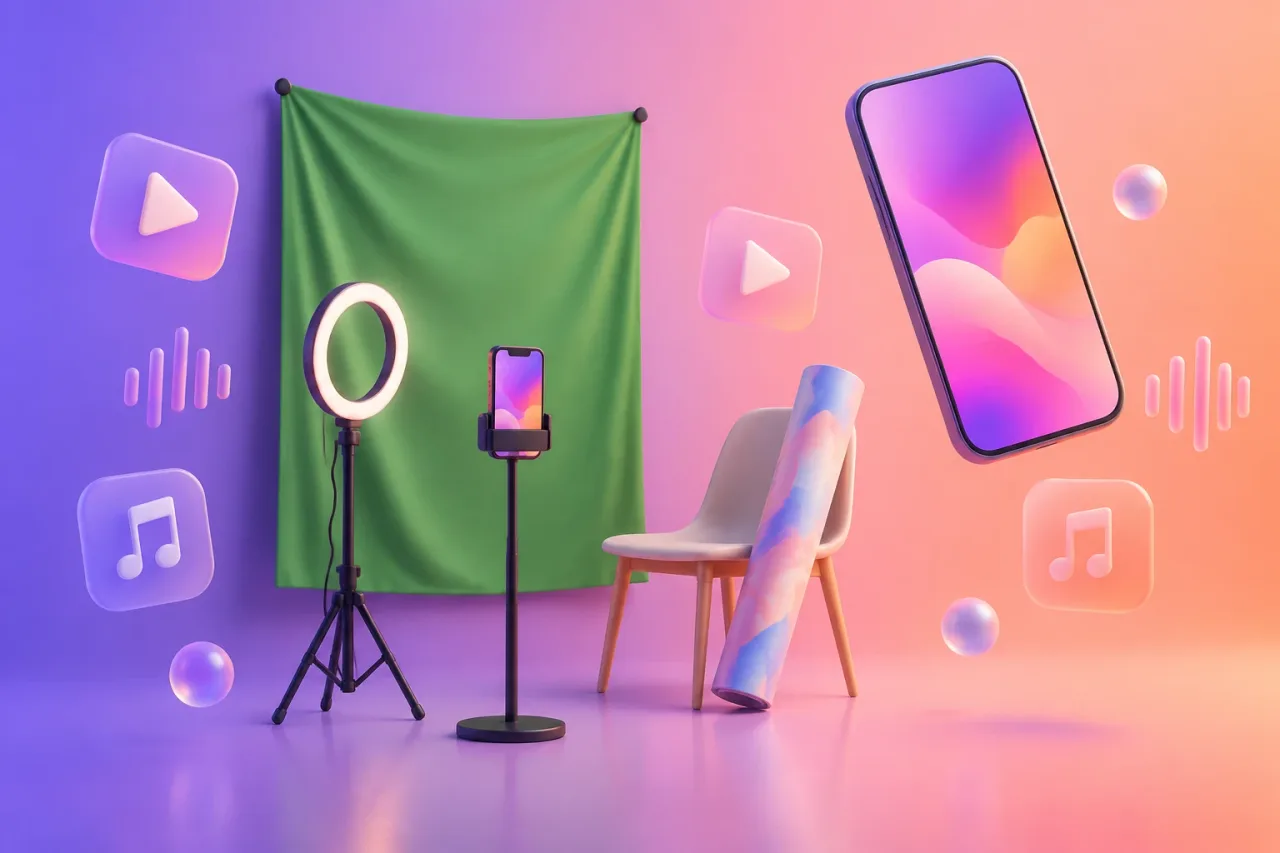
Chroma key is a video effect that removes one solid colour from a clip and lets something else show in its place. The colour is usually green or blue. You film yourself in front of a green backdrop, then tell the editing app to key out the green. Whatever sits on the track underneath fills the gap.
What it looks like on your phone
A rapper films a verse against a green bedsheet, then puts a city skyline behind it. A singer-songwriter films a chorus in front of green card and drops in painted artwork as the background. A bedroom producer films their hands on a pad controller and places a looping visual behind them.
Several phone editors list the effect. The store listings name chroma key in CapCut and InShot, chroma key with overlays and masks in Splice, and green screen in Videoleap and Edits. Each has an iPhone and an Android app. The usual order is the same everywhere: put the background clip on the main track, put your green clip above it as an overlay, then open that overlay’s chroma key or green screen tool and pick the colour to remove. Menu names differ from app to app, so look for them under the overlay settings.
What tends to help
Light the backdrop evenly, so there are no dark patches or hot spots. Smooth out creases in the fabric. Stand a metre or more from it, so green light does not bounce onto your shoulders and hair. Avoid wearing anything green.
Shoot at the highest quality your camera offers. Edges look cleaner when the clip has more detail to work with. If the edge still looks ragged, small adjustments to the tool’s strength or softness setting often clean it up. For a quick comparison of editors that suit this kind of edit, see the free music video apps.
If the background is someone else’s footage or artwork, use only what you own or have permission to use. This is not legal advice.
Where the term comes from
“Chroma” means colour. The technique comes from film and television, where studios shot actors against a blue or green screen and swapped in a new background afterwards. Weather forecasts on TV are the example most people have seen. Phone apps now put the same idea in a timeline you can use on the sofa.