08 / 11 All-round editors
Splice: a desktop-style editor that needs a subscription
A clean timeline editor with a big royalty-free music library.

Good to know
- Speed ramping and Ken Burns
- Chroma key and masked overlays
- 6,000+ royalty-free tracks
- Mix several audio tracks
Watch for
- Subscription needed for the listed features
- Captions and templates not stated
- Export resolution not stated
Screenshots
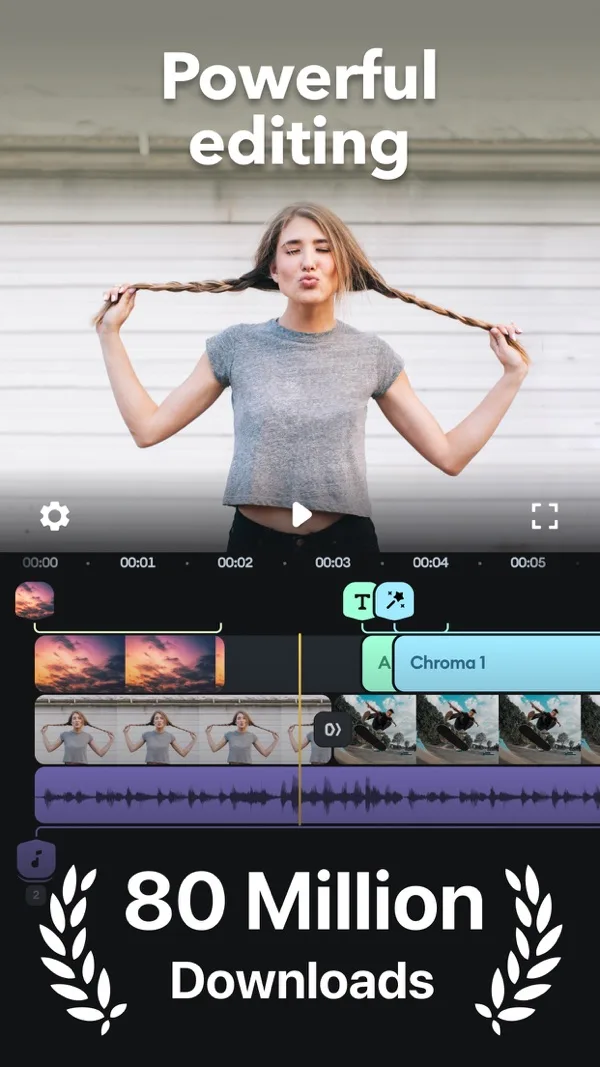
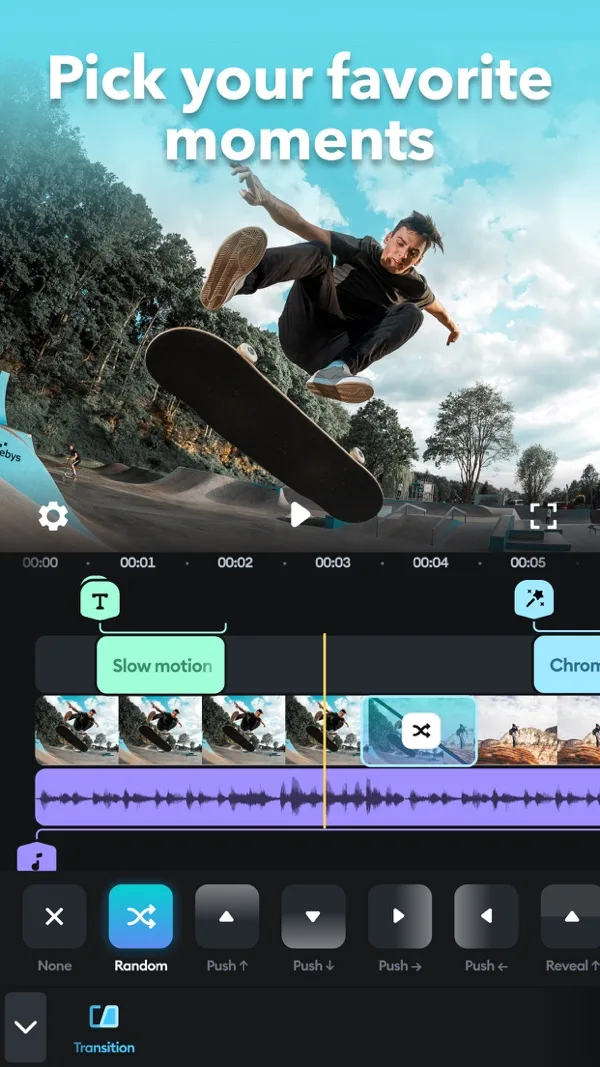
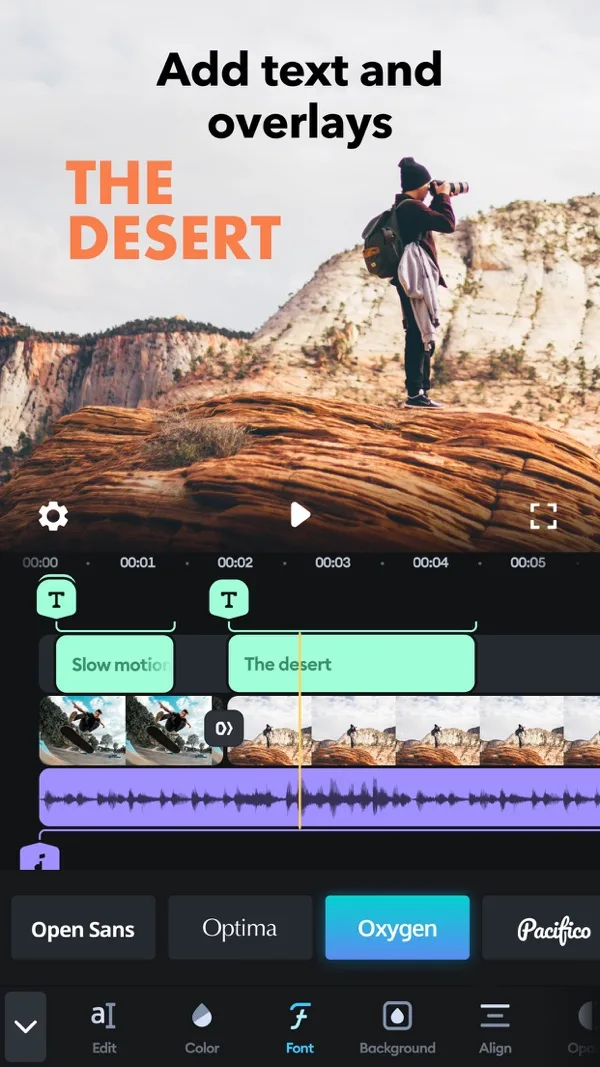
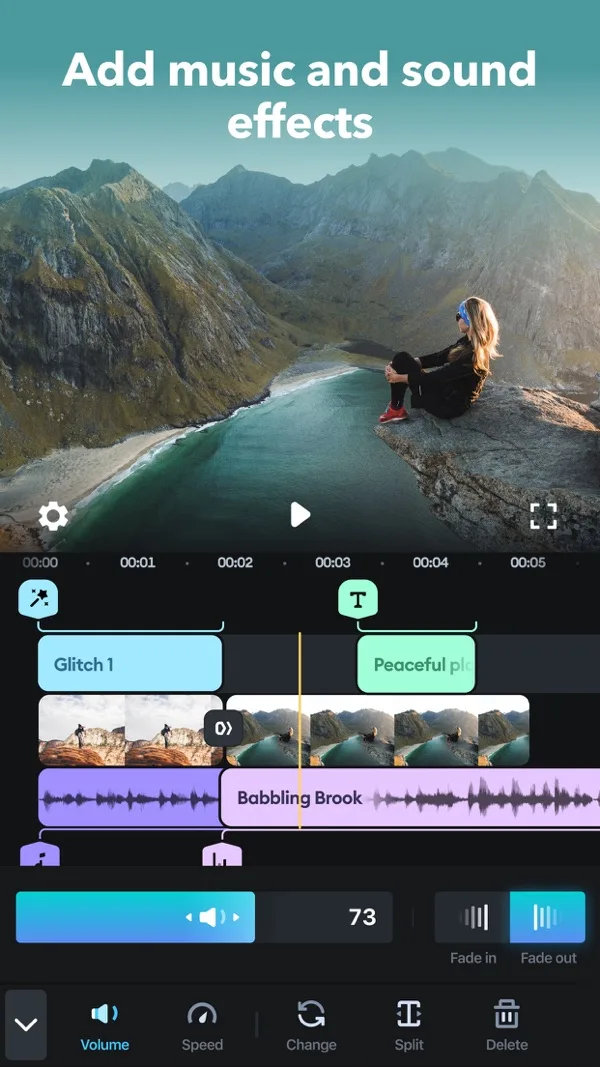
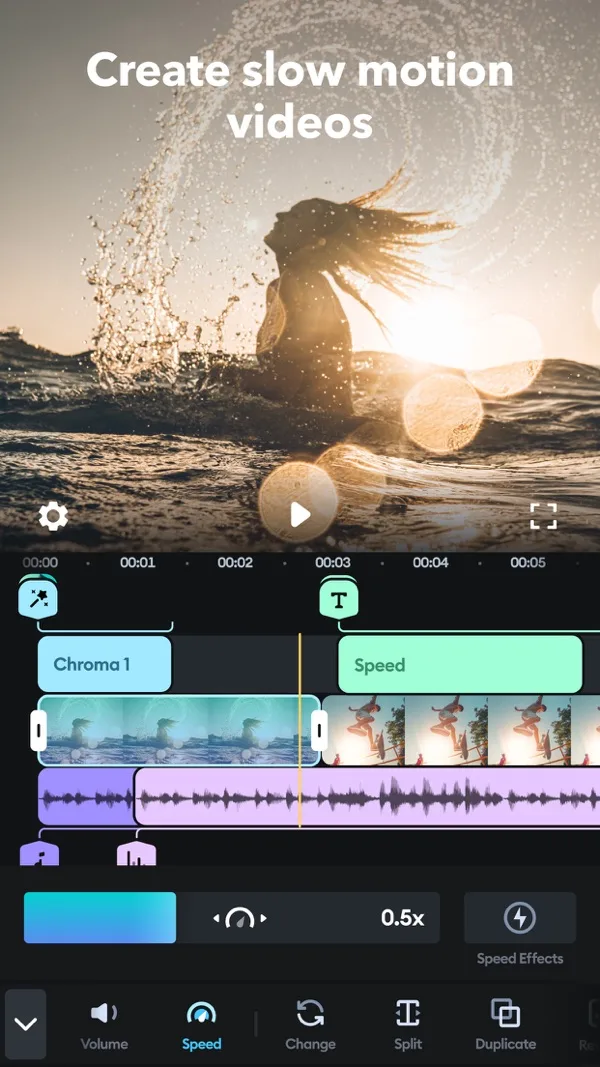
Features
- Speed ramping
- Chroma key
- Overlays
- Music library
- Audio mixing
- Custom outro
What it does on a phone
Splice is a straightforward timeline editor: trim, speed ramps, overlays with masks, chroma key, Ken Burns on photos, and title slides. It pairs that with a library of over 6,000 royalty-free tracks from Artlist and Shutterstock.
At a glance
| Spec | Splice |
|---|---|
| iPhone | Yes |
| Android | Yes |
| Free watermark | Not stated on the listing |
| Export | Resolution not stated on the listing |
| Beat sync | Not stated |
| Auto captions | Not stated |
| Templates | Not stated. Title slides and a custom outro |
What it costs
Weekly, monthly and yearly subscriptions. The US App Store lists items at $9.99, including a weekly plan with a free trial.
Who it suits
Creators who need stock music under their clips. If you are posting your own song, a free editor such as VN covers the same edits.
Frequently asked questions
Is Splice free?
Splice's App Store listing says to subscribe to use the features it describes, with weekly, monthly and yearly plans. The US listing shows a weekly plan with a free trial.