09 / 11 All-round editors

Videoleap: layers, templates and rhythm sync from Lightricks
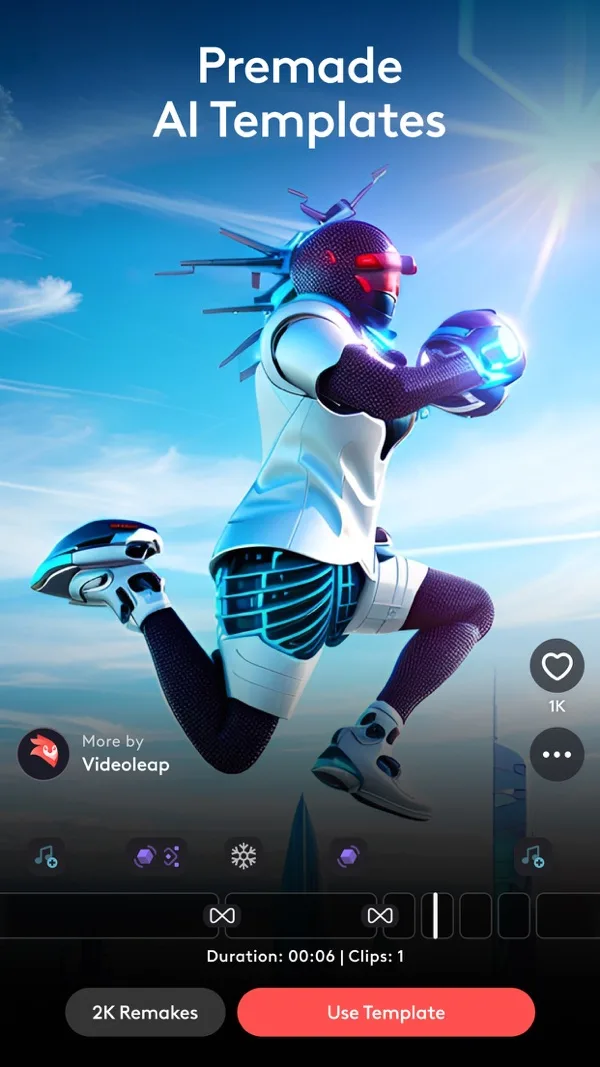
Layer-based editing with premade and AI templates.

Good to know
- Layers with masks and blend modes
- Hundreds of templates to remake
- Syncs clips to the rhythm of the music
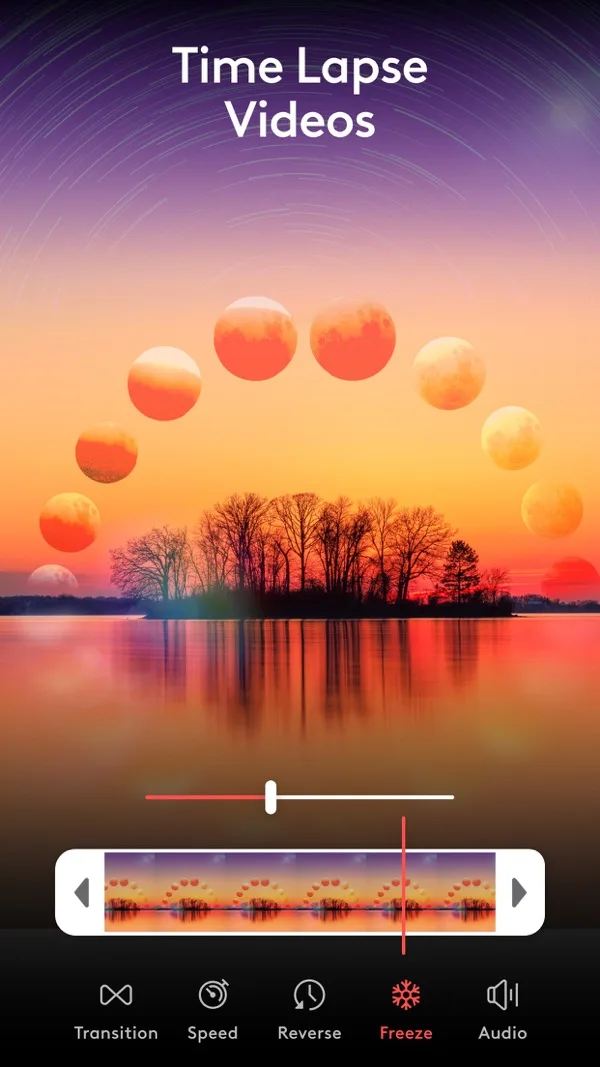
- Motion tracking and keyframes
Watch for
- Subscription for full access
- Watermark and export resolution not stated on the listing
- Automatic captions not stated
Screenshots
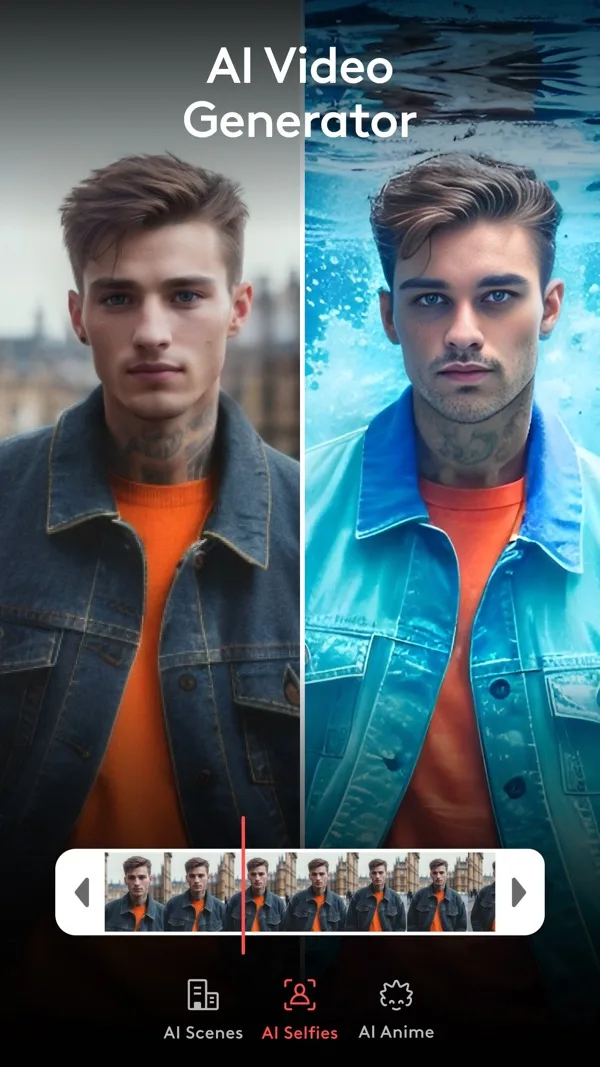
Features
- Layers
- Masks and blends
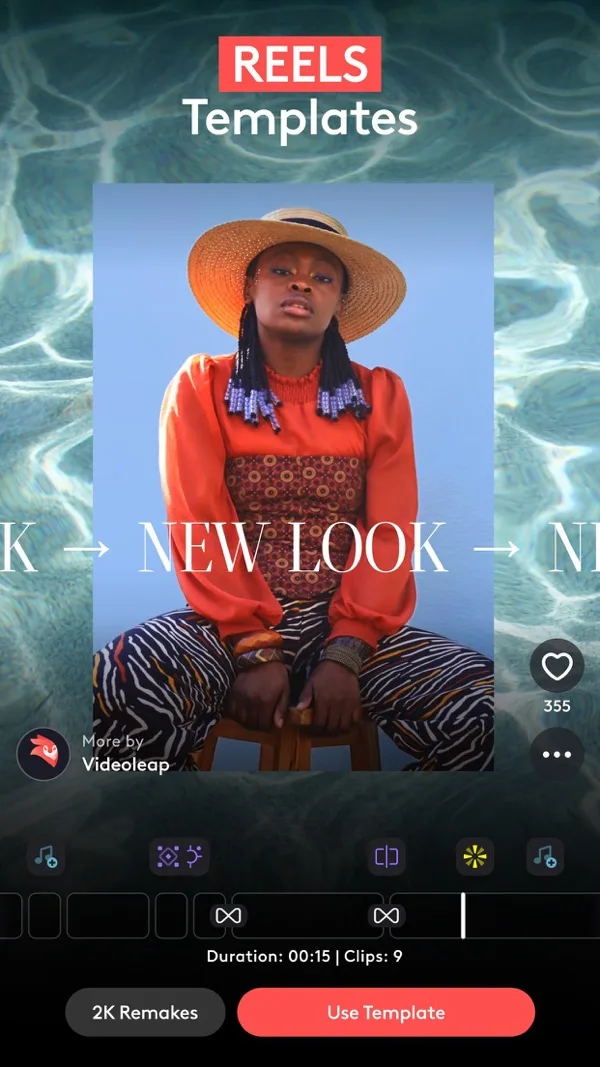
- Templates
- Rhythm sync
- Motion tracking
- Green screen
What it does on a phone
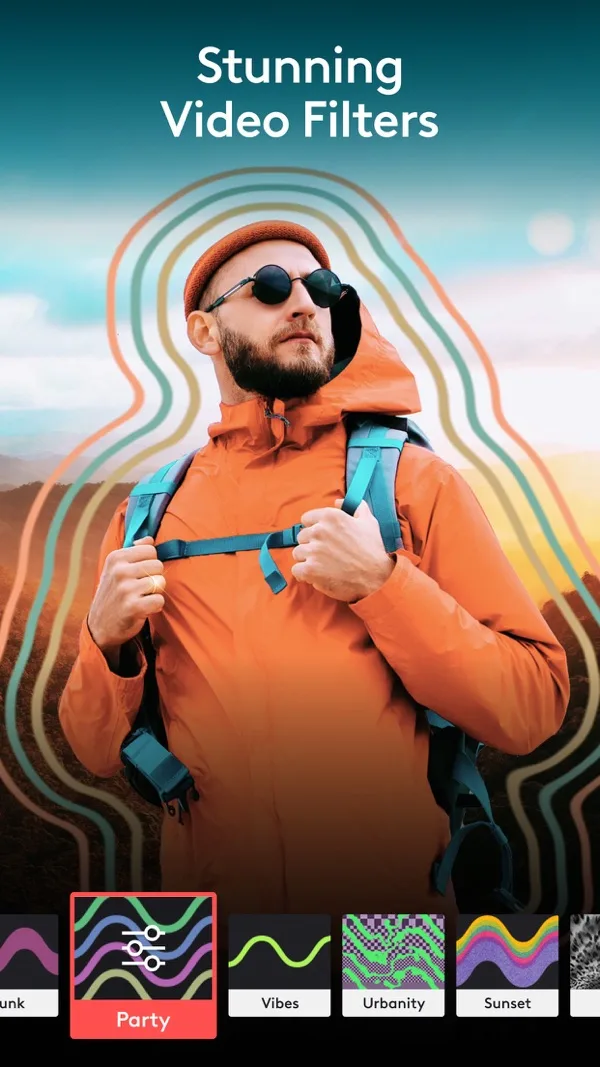
Videoleap thinks in layers. Stack videos, images, text and effects, then mask, blend and keyframe them. That makes it good for double exposures, glitch looks and lyric text that moves with the singer. Its template feed lets you remake an edit with your own clips.
At a glance
| Spec | Videoleap |
|---|---|
| iPhone | Yes, free with in-app purchases |
| Android | Yes |
| Free watermark | Not stated on the listing |
| Export | Resolution not stated on the listing |
| Beat sync | Syncs videos to the rhythm of the music |
| Auto captions | Styled captions, automatic not stated |
| Templates | Hundreds of premade and AI templates |
What it costs
Free to download. The US App Store lists subscriptions from $4.99 to $69.99, with Unlimited Access at $9.99.
Who it suits
Artists with a visual idea who want layered, stylised edits rather than a straight cut.
Frequently asked questions
Can Videoleap sync to the beat?
Its App Store listing says you can sync videos to the rhythm of the music.
How much is Videoleap?
Free to download. The US App Store lists subscriptions from $4.99 to $69.99, including Unlimited Access at $9.99.